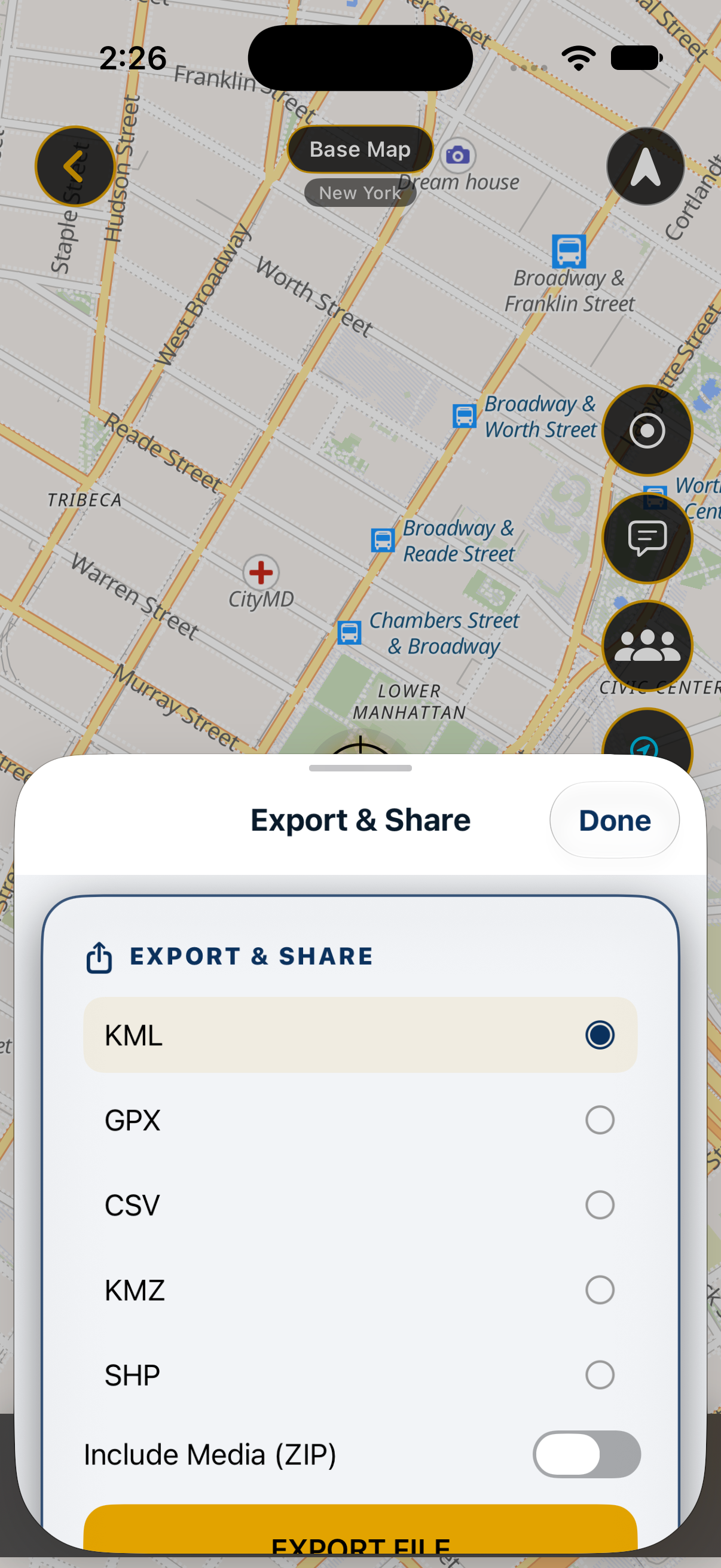
Mobile export on iPhone. Available formats depend on your plan.
KEEP THE ORIGINAL PROJECT
Start with one representative layer.
Keep your original QGIS project and source files. Export a small layer with the same geometry types, coordinate reference system and important attributes as your real project.
A data transfer does not guarantee that QGIS styles, labels, plugins, attachments or project behavior will transfer. Treat these as separate checks.
Check each direction.
From QGIS to MapNero
Choose a supported exchange format. The import guides cover options including GeoJSON, KML/KMZ and zipped Shapefile data.
For a Shapefile, keep its companion files together in the ZIP. Review the format and plan requirements in the guide for your device.
Import the sample. Review warnings and skipped records, then compare its position, features and attributes with QGIS.
GPX suits recorded tracks. KML/KMZ can carry map features, while tabular CSV needs careful coordinate and field checks. Advanced GIS formats have their own structure and limits.
Use a local file transfer for a private test. Uploading a file or sharing a download link is a separate decision about who can access the data.
QGIS transfer questions
Will the whole QGIS project look identical?
Do not assume so. A project includes more than its feature data. Compare styles, labels, references and attachments separately on both sides.
What if the feature appears in the wrong place?
Check the source and destination coordinate reference systems and the coordinate fields used during export or import. Stop and resolve the mismatch before collecting more records.
Can I replace my source files after export?
Keep the originals until you have reopened the exported files and checked the data you need. A successful export message alone does not establish a complete transfer.